


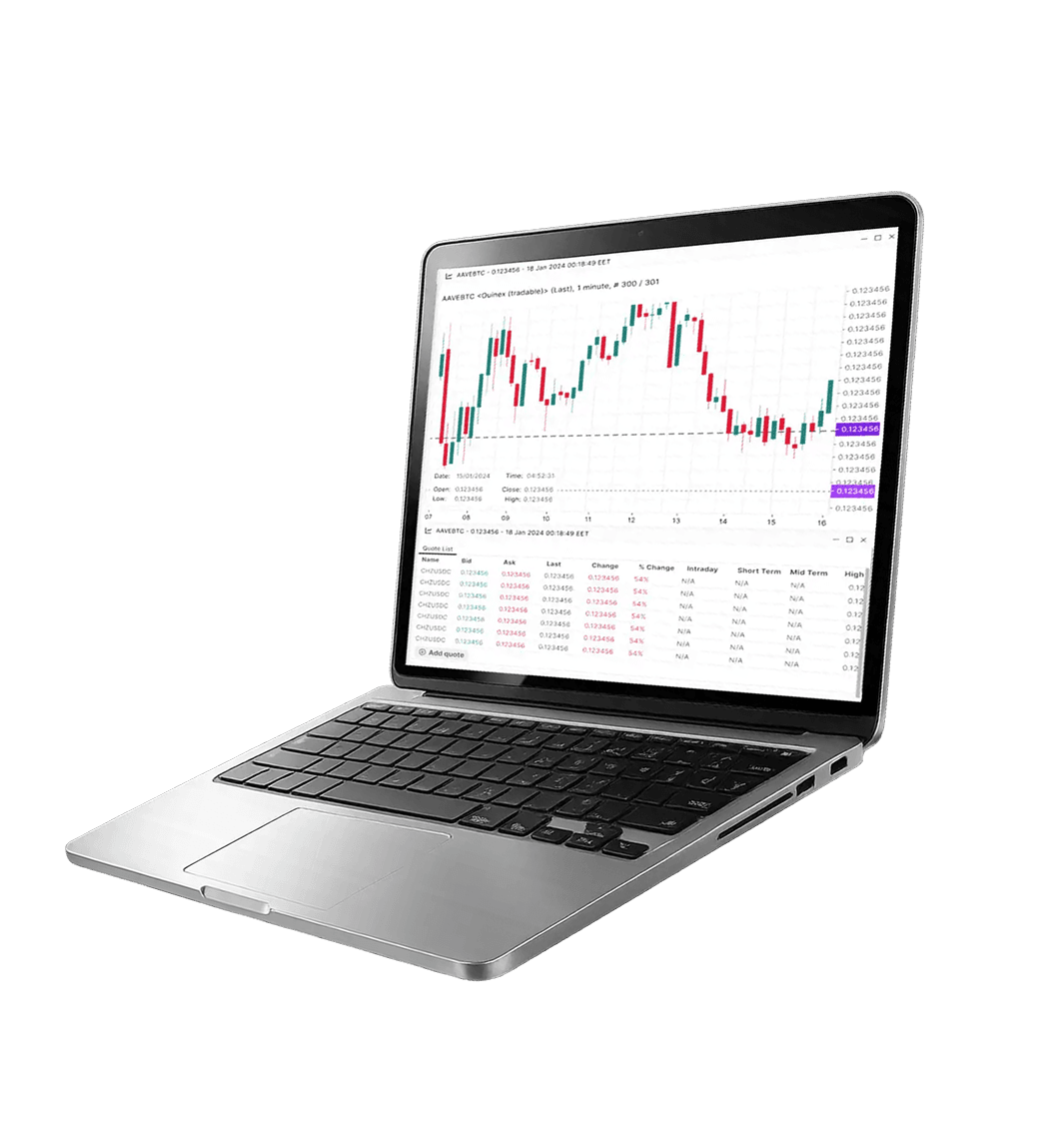
MetaTrader 5
— Web Trader
 Launch
![[object Object]](/_next/image?url=%2Fimages%2Ficons%2F2.png&w=3840&q=75)
Instant Access
to Trading
Trade from any web browser.
![[object Object]](/_next/image?url=%2Fimages%2Ficons%2F28.png&w=3840&q=75)
No Installation
Needed
Perfect for shared computer devices.
![[object Object]](/_next/image?url=%2Fimages%2Ficons%2F16.png&w=3840&q=75)
Alerts & push
notifications
Get notified when price levels are reached.
![[object Object]](/_next/image?url=%2Fimages%2Ficons%2F13.png&w=3840&q=75)
Algorithmic
Trading
Run and test Expert Advisors (EAs).
![[object Object]](/_next/image?url=%2Fimages%2Ficons%2F14.png&w=3840&q=75)
Cross-Device
Continuity
Trade seamlessly across your favourite devices with synced settings.

Quick Start
![[object Object]](/_next/image?url=%2Fimages%2Ftrades%2FsetupBg.webp&w=3840&q=75)
![[object Object]](/_next/image?url=%2Fimages%2Ftrades%2FsetupArc.webp&w=3840&q=75)
Step1
Launch MT5
Web Trader
 Launch
Step2
Log in:
Step3
Configure:
What's Included
vs Desktop
WebTrader covers core trading and charting. For EAs, strategy testing, custom plug-ins and advanced multi-monitor workflows, use MT5 Desktop.
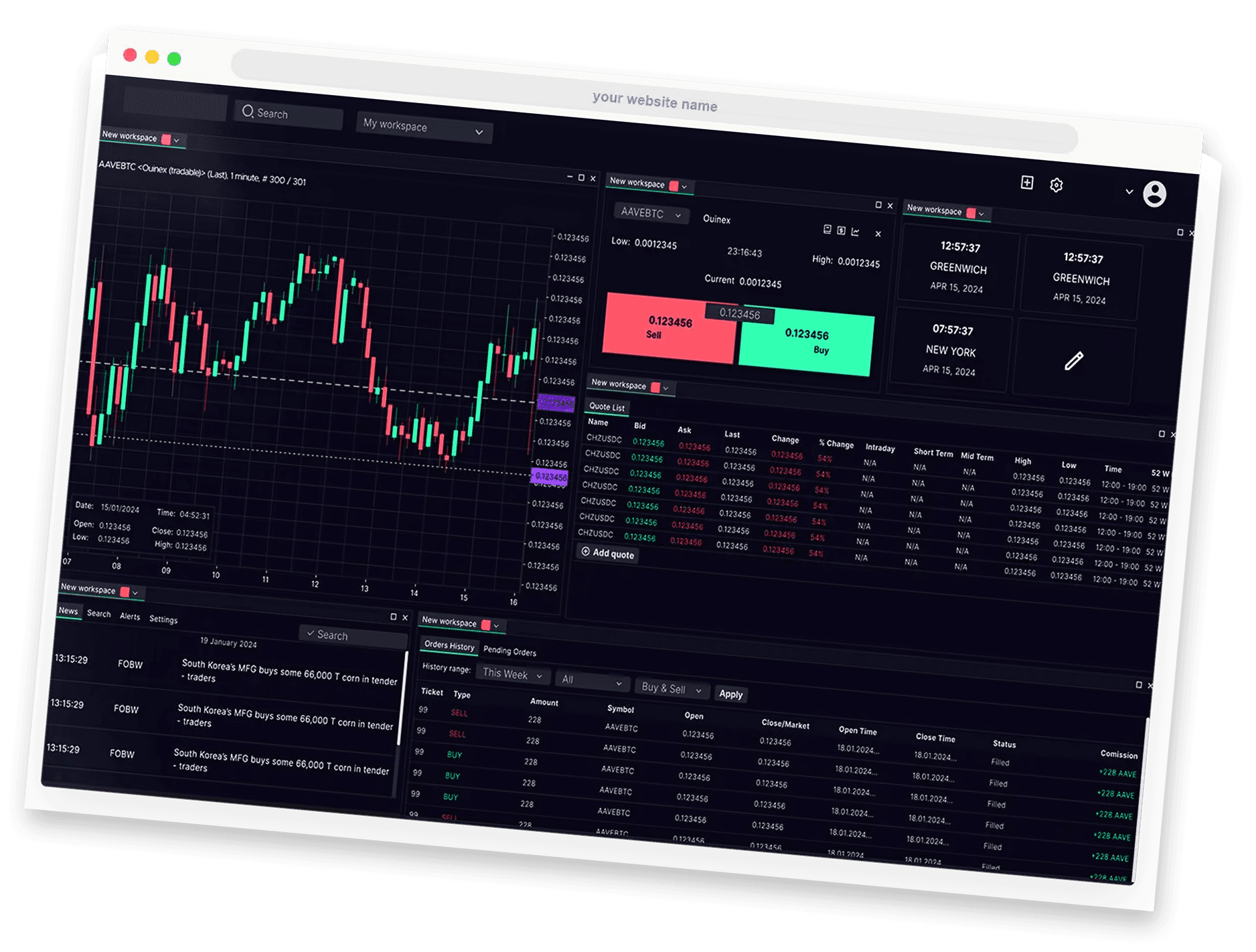
Security Best
Trading Practices
it's Important to remember - never save passwords in shared browsers, and only use devices and networks you trust. Always log out after each session.
Frequently
Asked
Questions
Can't Find What You Are Looking For?
Get in TouchNo — WebTrader runs directly in your browser.
Yes, it’s designed for quick access and trade management without installations.
Some settings may save in your browser session; features can vary by WebTrader version.
It typically works best on modern browsers like Chrome, Safari, Edge, or Firefox.
Yes — you can monitor, modify, and close positions from the browser.